- Post
- #1694200
- Topic
- The Phantom Menace: Cinelegacy Edit
- Link
- https://originaltrilogy.com/post/id/1694200/action/topic#1694200
- Time
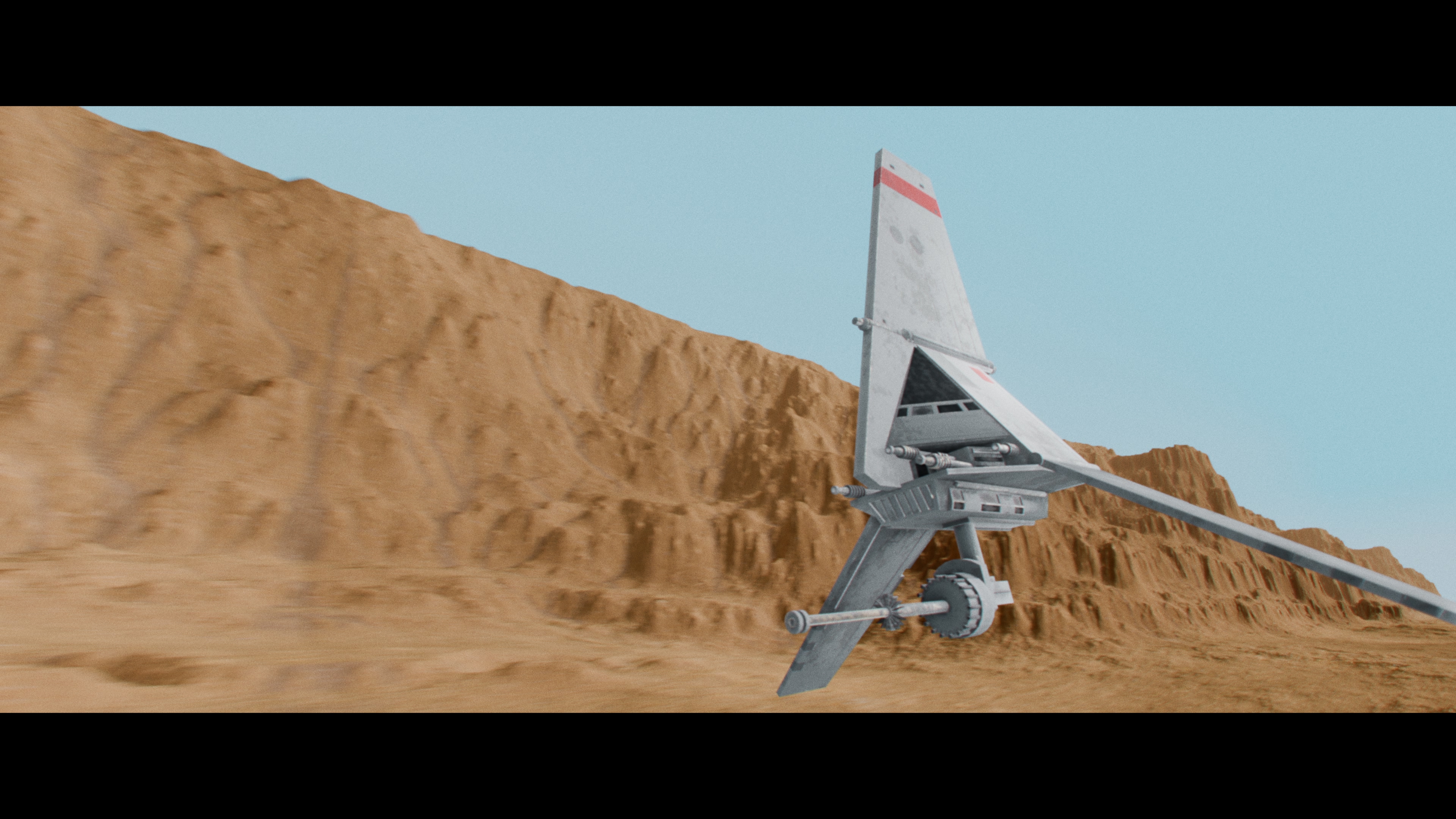
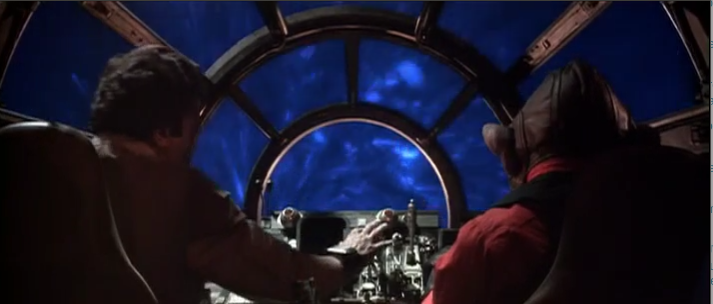
I programmed a tool that takes two input videos and generates a new, color-graded version based on the first source. For example, the first source is a 35mm print scan which colorgrade I want to lay on another source, in this case the UHD of The Phantom Menace, and the goal is that the final output has the 35mm grading on the best available official source of the movie. The tool is still a work in progress, and the output will just be the base for further adjustments.
Initially, I tried to automate the color-matching process for entire scenes, but the results weren’t satisfying. I subsequently added a feature that requires the user to manually select the scenes. This doesn’t take very long, and the results were immediately much better.
I know that Dre’s color correction tool is a very powerful one, but I wanted to do something on my own, with a more modern visual user interface.
Will you share this program? Because this is magic