logo Sign In

Doctor M

User Group
Members
Join date
1-Feb-2005
Last activity
2-Dec-2025
Posts
2,550

Post History

Post
#127237
Topic
Dr. M's Reinventing The Wheel Edition (PAL to NTSC+) (Released)
Time
So much for a weekend project

A LOT to think about now.
As far as the colors, although I am dissatisfied with the redness of Cowclops, the dullness of the original Moth3r transfer, and the pinkness of the walls in my test version...
I still find any less color (eg, half-way between CC & Moth3r's which technically I am already) to be less visually pleasing, if not as accurate.

As far as the audio, ugh. Anyone have a good alternative? I have Sony SoundForge which has a decent Pitch Shift that could be applied after the time expansion, but I can't just say 4% and I although I'm good, I don't know how it'll sound.
I could cut, and expand silences between scenes/disc changes, etc with the NTSC to try to make it match so I don't have to alter the frames further.

Of course I could always wait for Citizen's release since he is using laserdisc sourced audio, the time may match better.

You guys are talking me out of this...
Post
#127134
Topic
Dr. M's Reinventing The Wheel Edition (PAL to NTSC+) (Released)
Time
I've noticed a lot of the transfers have been way to red in the past (there's one rebel I tend to call "Flamboyant Guy" (official screenshot #4) because his face is often so red it looks like heavy makeup in most transfers). That's why when I was adjusting I based it on the reddest frame I could find (not this one though).
I did a simple saturation boost and put the brightest red in that clip to 75% of maximum (indicated by the boxes in the graphs below) and let the rest of the colors tag along. Now when I work with the full movie, there might be an even redder point (or other bright color) that I will set using instead. It's good not to exceed that 75% number, since beyond it colors might not be valid on all TV's.
Using ColorTools for VirtualDub set to vectorscope I show the following graphs for the R2/3PO screenshot:

http://home.earthlink.net/~originaldrm/officialvs.jpg
Official^
http://home.earthlink.net/~originaldrm/cc2vs.jpg
Cowclops v2^
http://home.earthlink.net/~originaldrm/moth3r35pvs.jpg
Moth3r's with 35% Saturation Boost^

Now in fairness my screenshot isn't the exact same same frame, but this should give you a good idea that I thought I used retraint.
This frame did NOT have the reddest object in this clip so you can imagine how far up the official one maxes-out at. Cowclops' new edition shows the reddest object to hit 80+% at some point during the same section of film.

As far as moving hues, I could "rotate" 5 degrees clockwise to match the Official DVD or 10+ degrees counter-clockwise for the CC's. That would probably be less desirable. And to move around individual colors isn't going to happen, I have a slight color blindness which prevents me from doing this by eye, and it stands to reason every scene may have different requirements. Though I will give it a look though.

Comments?
Post
#127053
Topic
Dr. M's Reinventing The Wheel Edition (PAL to NTSC+) (Released)
Time

Major Update: 8/18/05

Current Status
Episode IV - New Hope: Finished - Distributed (v1.1 now being distributed to fix loss of second audio channel glitch)
Episode V - Empire Strikes Back: Finished - Distributed
Episode VI - Return of the Jedi: Finished - Distributing

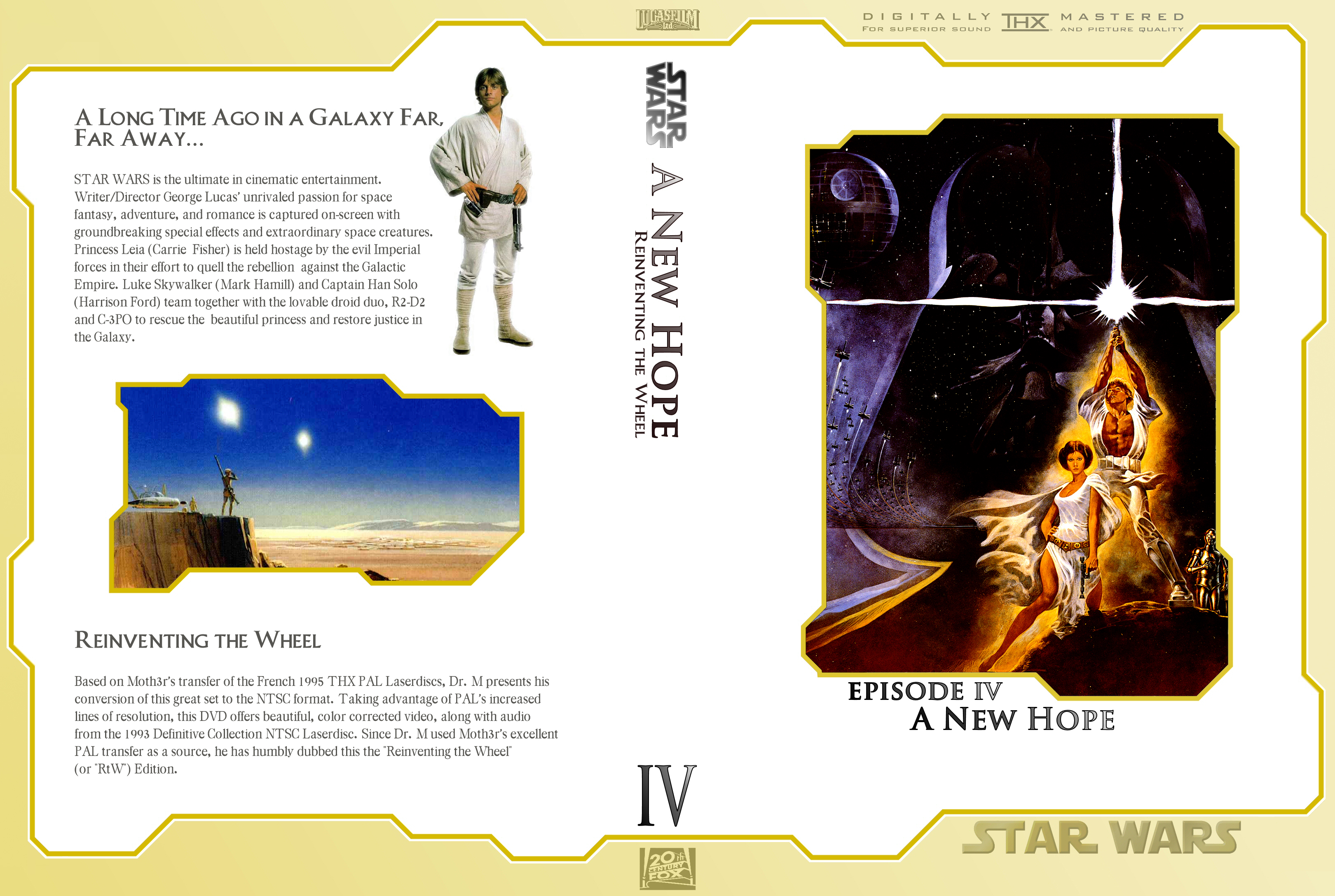
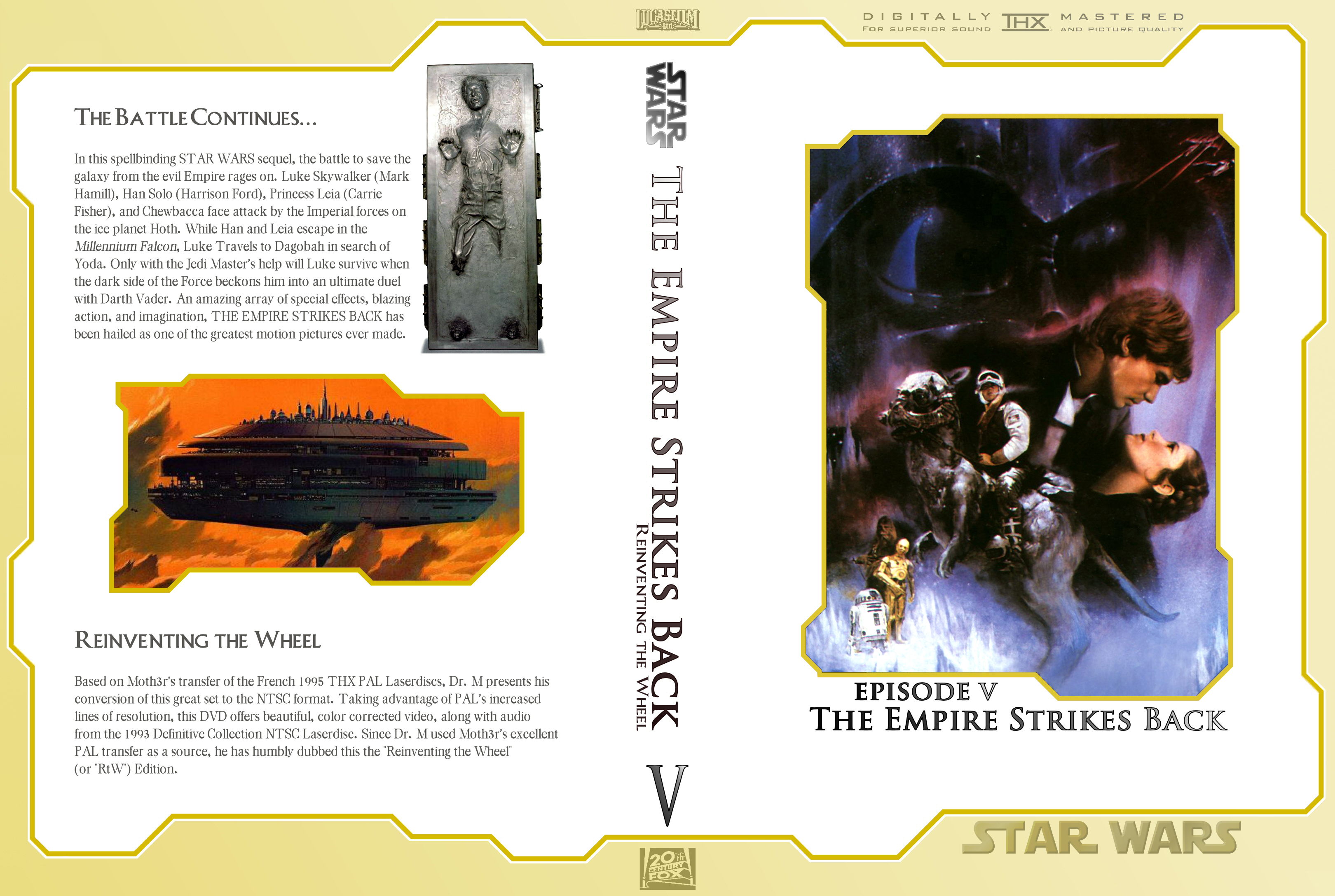
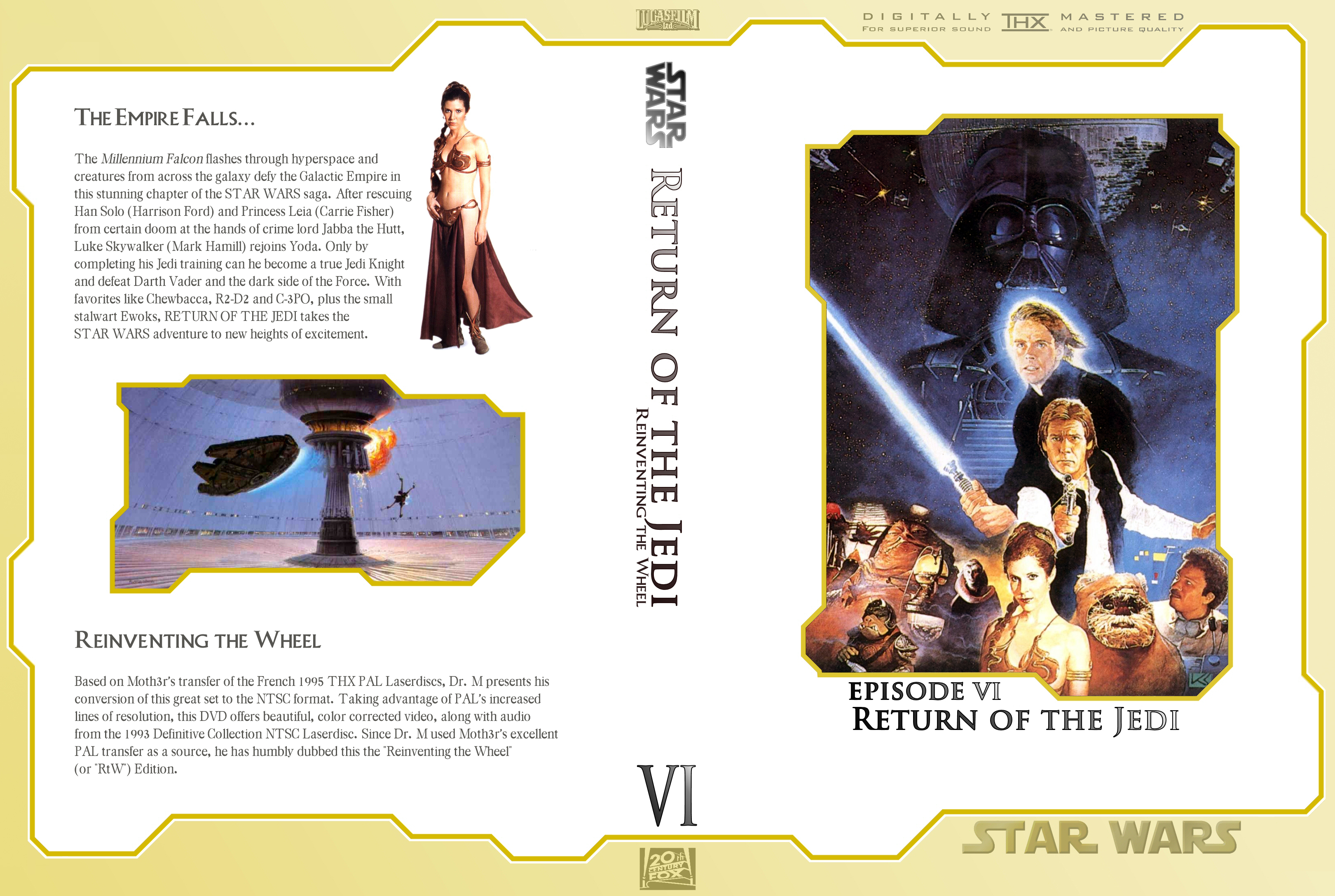
Covers (by Erikstormtrooper):
http://www.erikstormtrooper.com/Rtw_ep4.jpg
http://www.erikstormtrooper.com/Rtw_ep5.jpg
http://www.erikstormtrooper.com/Rtw_ep6.jpg

(Full Tech Details at Bottom)

History:
I am am producing a new version of OT DVDs.
Out of fairness let me say up front I am not doing a new transfer. I really don’t have the setup to do anything better than what already exists, so I’m not.

I am creating a conversion to NTSC from Moth3r’s absolutely wonderful transfer which outstrips even the newest NTSC versions.
This is largely being done for my own benefit but release now seems required.

Before going any further, I will say, yes Moth3r knows what I am doing to his baby, and he seems to be largely ok with it.

But to be clear these will not be called Moth3r’s NTSC edition (his choice not mine). But in retrospect since this project has grown to be more than a simple format conversion, I absolutely respect that decision.
So since I am making hard work of something that is already extremely good, I have dubbed this “Reinventing The Wheel Edition” (RtW for short).

Why I am doing this:
Although I love PAL’s native higher vertical resolution, it’s 4% speedup (originally) was an issue for me. Also (and I don’t want to step on toes here) I don’t care for the washed out color in the original version. Foremost is that I DON’T OWN A PAL DVD PLAYER.

Now first the basics.
There are several ways to play a PAL DVD:
Obviously you can get a PAL or multistandard player.

Updated Tips for purists: If you want a true NTSC version of Moth3r’s discs you can use the Patch Method which uses IFOEdit to try and convince your DVD player that “this is not the PAL disc you are looking for”. It works on many units (but not all) and basically counts on manufacturers being cheap and using the same internal hardware internationally and just making tweaks for regions and formats. Compatibility with this varies.

Now if you augment this by demuxing the audio and video then using DGPulldown from 25 fps to 29.97 fps and remuxing/authoring you have a different beast altogether.
I saw this for the first time today and thought it was genius, what they are doing is using IFO edit to fool the DVD player into resizing the video to NTSC for you. The DGPulldown keeps the video at 25 fps on the disc but the DVD player performs telecining on the fly up to 29.97 fps for you (no I didn’t think that was possible either). The huge benefit is the audio does NOT have to be re-encoded. In fact nothing does. You’re just tweaking a bunch of flags and let the hardware do the rest for you.

This is perfect for Moth3r’s DVD’s since we know the audio to have been pitch correct to account for the 4% speed up.
Since this method would make a highly compatible version of Moth3r’s movie in NTSC, it’s almost a shame to not have done it originally… but I like overdoing projects (and it’s too late to go back now).

Finally you can re-encode (which is what I’ve done).
Since I do not have any raw avi files to work with, I am going from the public DVD version of these discs that everyone has access to.
Using VirtualDubMod or AVISynth, you change the framerate to 23.976 (NTSCfilm, just a bit over 1 fps slower than PAL), crop 72 lines from the top and bottom, resize to 720x360 and add 60 line borders above and below. Also the sound must be time expanded so it all syncs. That could be done in an afternoon to tell you the truth and was my original plan.

But why stop there?
As long as there’s filtering going on, why not improve the color, etc.
http://adventureclub.postrock.net/anh.jpg
http://adventureclub.postrock.net/anh2.jpg

Yes the above is from an actual NTSC frames (after re-encoding). Still not any more difficult to do really.

Actually what you see includes a 4% reduction in the white point (to brighten the whites) and 25% boost in the Yellow and Green saturation.

Edit: Return of the Jedi required slightly different handling. Unsharp Mask was used to sharpen, Yellow/Green was boosted only 10%, but Red, Blue and Cyan were desaturated by 15%.

At this point I could explain the increased lines of resolution of PAL laserdiscs vs NTSC, but I’ll save that for the PAL transfer threads: Here’s Moth3r’s.

What is important to understand is that an anamorphic NTSC DVD of Star Wars (which is in 2.35:1 aspect ratio) can use up to 360 vertical lines for the movie. This is about 50% more lines than even the PAL laserdisc source.

Now ideally I would have raw video so I could resize up instead of down for the disc, and also I wouldn’t have to recompress previously compressed video, but that is not the case unfortunately.

ORIGINALLY I had every intention of adding left/right black borders and reducing overall size to prevent further loss of picture in TV overscan regions. The reasoning being that there is excessive cropping at times in the original disc. Public opinion (and lots of explainations) convinced me to drop that idea in favor of preserving as many lines of resolution as possible.

BUT what about the audio? If you keep reading all the posts to follow you will see there has been much debate about how best to accomplish this.
I finally gave up on giving up and will be using an NTSC audio rip from the Definitive Collection. [Thanks to Arnie.d] A little jiggery-pokery with a shoe-horn and you have wonderful PCM digital audio from laserdisc source (bye-bye analog tape that’s been sped up, pitch shifted, analog recorded, ripped, encoded, decompressed, slowed down, and pitch-shifted again (no kidding that’s where this was going)).

Final thoughts:
I am not doing menus (not really a need).

For those concerned about further quality loss in the re-encode process, a Constant Quality first pass indicated that I’m using about 50% more bitrate than is need for a Q of 30, so relax.

Release:
Yes please. Not waiting for Episode VI, contact me if you want to help.

Feel free to talk amongst yourselves.
-Dr. M

Source Material
Video: Moth3r’s DVD, originally from the French 1995 THX PAL Laserdiscs
Audio: Uncompressed PCM “Definitive Collection” NTSC, Pioneer DVL-919 to Canopus ADVC55 (DV - analog capture) [Thanx arnie.d]

Original Hardware (taken from Moth3r’s details):
Pioneer CLD-D925 Laserdisc player
Toshiba VT-728B VCR
Leadtek WinFast VC100 XP video capture card
PC: Athlon XP 2700, 1GB RAM

Re-Mastering Hardware:
Athlon XP 3500+, 1 GB RAM

Original Software (Moth3r)
Capturing:
btwincap drivers
VirtualVCR
Huffyuv codec
Post-processing:
VirtualDubMod
AVISynth
Encoding:
CCE 2.70 (video)

Remastering Software:
Vobs files ripped/demuxed merged: (various)
VirtualDubMod to filter and frameserve
Womble Mpeg Video Wizard to edit and sync audio
Re-encoding:
CCE SP 2.67 - 6 (+1) pass VBR
CCE SP 2.70 - 5 (+1) pass VBR (RotJ)

DVD Authoring:
DVDMaestro

For quality preservation SFV files (disc checksums) were generated with Easy SFV Creator and are available.
The SFV files should appear on the DVD. If it isn’t there (smack the guy that sent it to you), then check your disc using these:
ANH’s SFV v1.1
ESB’s SFV
RotJ’s SFV

Post
#126688
Topic
.: Moth3r's PAL DVD project :.
Time
To answer another question, the PAL laserdiscs are more tightly framed, this means that when you put the NTSC version and the PAL version side by side, that some of the picture is missing on the PAL version - you could think of it as the PAL version is a bit more 'zoomed in' so some of the picture has fallen off the bottom of the screen so to speak.


I've been working on a different PAL to NTSC project recently. The source was originally NTSC that was PAL-ified and I am re-NTSC-ify-ing it.
In the process I ran into the same thing: tighter framing. In fact a lot of the names in the opening credits were lost in the overscan area when I was done. What it looks like (and I'd really love if someone can verify authoritatively on this) that they cut off a percentage of the left and right portions of the frame and then just enlarged what's left in order to get instant PAL resolution.

Now back to the PAL Star Wars: although the laserdiscs should IN THEORY have been derivied from a film source, I'm wondering if they started with some form of 480 line master that they did this butcher-jobber thing to. It would explain the tighter cropping and mean that any NTSC conversion of Moth3r's DVD would have to involve adding vertical black borders to prevent further loss in the overscan area of a TV (which is what I'm doing with my other project).

Anyone?
Post
#125801
Topic
.: Moth3r's PAL DVD project :.
Time
Yeah somewhere in the audio conversion reconversion, blah blah, it got static-y. Actually turns out I needed to normalize a bit before converting to wave. I have it sounding great now, but don't feel like re-upping at the moment.

As far as the video being choppy, I'm not seeing that on my computer, is anyone else?

The frame rate I used is NTSCFilm and is the true frame rate of the original film. By converting to that it removes the 4% speed up commonly found in PAL video. By tweaking a flag NTSC DVD players will play it as 29.97 so everyone is happy.

Unfortunately there is likely no way to get the raw AVI files from Moth3r even if he still had them, but there doesn't seem to be much vid quality lost. Like I said, is anyone else finding choppy video?
Post
#125710
Topic
.: Moth3r's PAL DVD project :.
Time
Russs15 has now put me on a path to the dark side.

The following link: <removed - see my thread for the latest> is a test demo of what is now going to be a project for my own personal gratification. At this time I am saying there will be no release of it (at least not without Moth3r's permission.

This is largely an NTSC conversion of a sample from Moth3r's wonderful transfer. The audio is provisional since I used BeSweet to time stretch, which sounds not so good. The video has had the saturation increased (brightness and contrast were left alone), and of course the jiggery-pokery necessary to make this 720x480 @ 23.976fps. Recompression was 5 passes to help prevent artifacts in the process.

My final version will have the audio lifted from an NTSC native source (at least that's the plan).

So here's some screenshots while you're waiting for the d/l:
Check out those stars.
http://adventureclub.postrock.net/snap1.jpg

http://adventureclub.postrock.net/snap2.jpg

Edit: Links corrected & version 2 of the clip is now linked (with better sound, than the following conversation is describing).
Post
#125305
Topic
<strong>The Cowclops Transfers (a.k.a. the PCM audio DVD's, Row47 set) Info and Feedback Thread</strong> (Released)
Time
Karyudo: Yes the second one: "Sure some whites are washed out, but on the whole it seems [as close] to the [original] white/black levels as, oh say, the X0 Project."

Sorry for the bad grammer but Entourage was coming on and I had to dash.

The THX Optimode does indeed compensate individually for any given movie.
For those that don't know what THX's Optimode is about, it is suppose to be a perfect audio/video Optimizer in it's raw form that is then subjected to the same transfer process to DVD along with the movie.

The theory being that when you adjust your TV with it for that DVD it will correct for the DVD transfer process and give you a movie viewing experience as close to the intended source material as possible.

If you ask me that's fairly bullsh_t worthy. In reality if the people producing the DVD don't screw up (which if it's really being supervised by THX technicians in order to get its certification) there should be little to no difference from DVD to DVD.

I think anyone who has had their home theater professionally cailbrate would strongly disagree with the principle of Optimode. Besides, I have seen enough really bad THX certified movies to know that it's once again Lucas bleeding the system because it's easier than making a good movie.
Post
#125287
Topic
<strong>The Cowclops Transfers (a.k.a. the PCM audio DVD's, Row47 set) Info and Feedback Thread</strong> (Released)
Time
CC: I don't know how many times you're going to have to say that before people believe you.

Regarding the rest: Dr. Gonzo's transfer is pretty good, but (and I can't see from where) there is halo-ing around edges. This to me makes for a noisy and unpleasant picture.

You should NOT have to adjust your brightness and contrast for every movie you watch. My TV is well calibrated, to alter that in order to suit a specific movie indicates a failing in the transfer (somewhere between the original negative and the final DVD). I'm not saying that the DVD transfer may not be a perfect duplicate of the laserdisc, the laserdisc might as well be at fault.

I don't argue the softness of Farsight's movie, but it does lack noise and artifacts as a trade-off. Also it actually has whites that are white, and blacks that are black without having to touch my tv.
Sure some whites are washed out, but on the whole it seems closer to the white/black levels as, oh say, the XO project.
Post
#125241
Topic
<strong>The Cowclops Transfers (a.k.a. the PCM audio DVD's, Row47 set) Info and Feedback Thread</strong> (Released)
Time
88keyz: I have probably been (perhaps unfairly) the most critical of the old Cowclops edition of anyone here.
But I will defend one thing:
There was no compression artifacts on it.
I wish this arguement would die. He has been meticulous with regards to balancing compression vs. quality from the word go.
There were artifacts arising from the DV capture to DVD conversion, but the mpeg compression did not cause any artifacts.

V1 problems DID include
pure blue/red blockiness (from the DV Capture): Fixed
overdriven audio: Fixed
blacks too grey (with bad contrast): Fixed

I look forward to getting my grubby hands on these. Even if the screenshots look a bit funny in color and sharpness, actually watching the video will produce a different experience all together.
My favorite edition till now has been Farsight whose screenshots are VERY soft, but give a nice viewing experience.

Post
#122694
Topic
.: The X0 Project Discussion Thread :. (* unfinished project *)
Time
Most importantly, it's the X0 Team's project, not the community's. The community can choose to accept it or not.

Besides, everything I've seen them turn out is fantastic, and above anything else we've seen up until now. They have proven again and again to have the knowledge and experience to make the best possible transfer.

If you think you can do better Observer, go buy an X0 unit and get cracking.

(Did that sound like a flame? I didn't mean it to.)
Post
#121956
Topic
***The ADigitalMan non-Star Wars DVD Info and Feedback Thread***
Time
Don't know if you saw this, it was on TheDigitalBits.com:

Also today, some DVD news. Warner has revealed that it will debut new 2-disc and 3-disc versions of The Wizard of Oz on DVD on 10/25. The 2-disc edition will SRP for $29.99, while the 3-disc will be $39.92. Both editions will include newly-remastered video (using Warner's Ultra Resolution process) and audio, audio commentary with historian John Fricke, 4 documentaries (including one on the restoration), deleted scenes and outtakes, composer Harold Arlen's home movies from the set, recording session materials, radio shows and promo spots. The 3-disc version will add a documentary about Oz author L. Frank Baum, 5 pre-1939 Oz movies and reproductions of the film's premiere invitation and program. You can read more here via Reuters.


Do I smell Oz revisited?